
Cupertino UI
Apple-style components for the web, drop-in ready for shadcn.
Open source and free for any project.
For WebHow your data is handled
- Free
- No ads, no tracking
- No account
- Data stays on your device
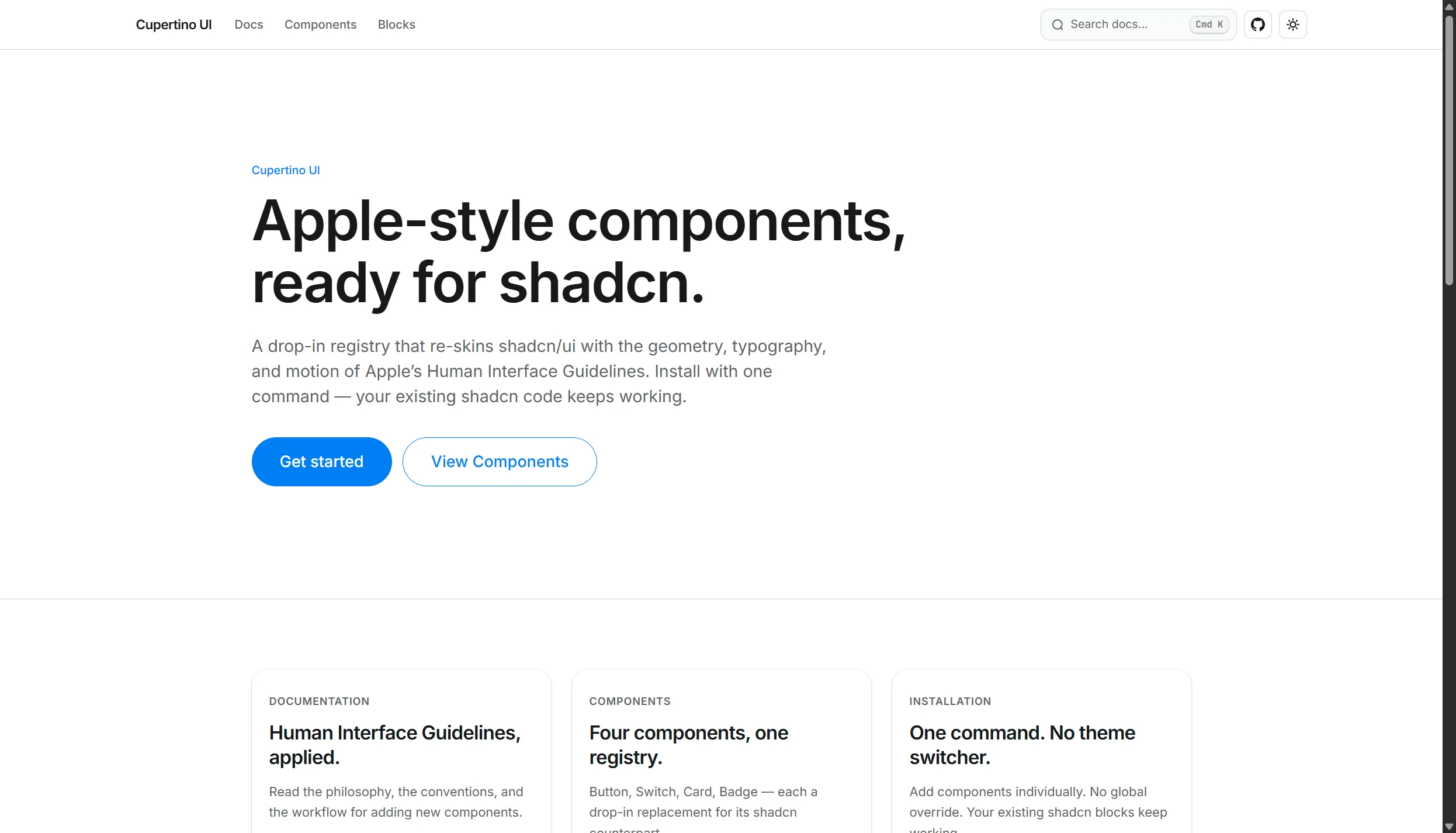
Apple-style components ready for shadcn 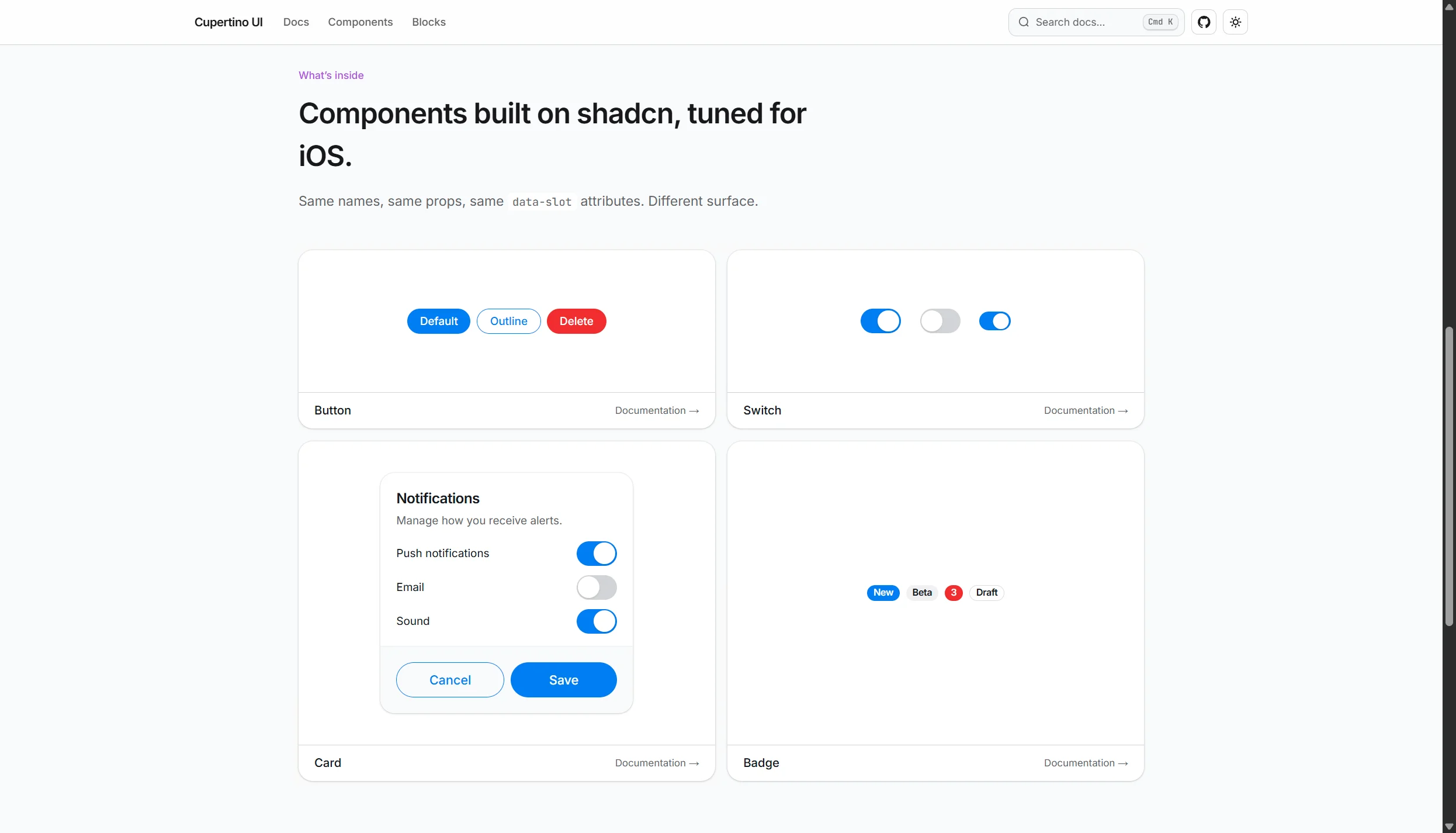
HIG-aligned controls and interactive inputs 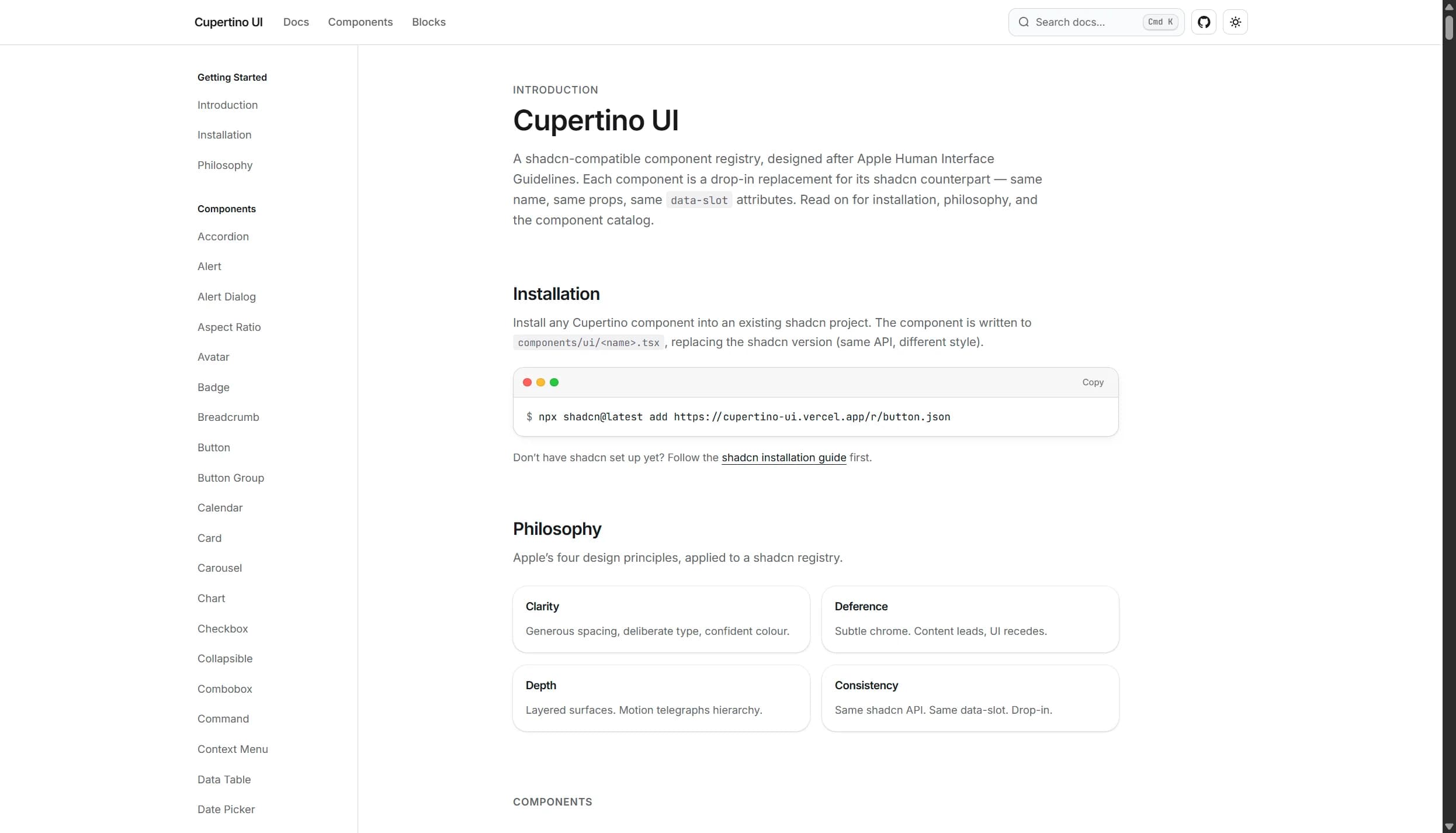
Install any component directly via shadcn CLI
Cupertino UI is a shadcn-compatible component registry re-skinned to follow Apple's Human Interface Guidelines.
What it does
- Drop-in replacement for shadcn primitives: same variant names, props API,
data-slot, andasChildsupport. Existing shadcn blocks and templates keep working without modifications. - Implements Apple design conventions: pill-shaped buttons, 44pt minimum touch targets, San Francisco-inspired typography scale, and curated system colors.
- First-class support for both Light and Dark modes using Apple system palettes (
#007AFFand#0A84FFsystem blue, vibrant destructive tones, and subtle borders). - Accessible by default, with native-grade focus states, contrast ratios, and screen reader announcements.
- Over 50 components available directly via shadcn CLI commands (buttons, segmented controls, cards, sheets, dialogs, sliders, switches, tables, sidebars, and more).
- Zero vendor lock-in: components are copied directly into your codebase just like standard shadcn components.
Why it exists
Building Apple-style web interfaces usually requires either custom CSS overrides or rigid component libraries. Cupertino UI bridges the gap by combining the freedom and familiarity of shadcn/ui with the craft and polish of Apple Human Interface Guidelines.
- Platform
- Web
- Category
- Creativity, Productivity